
Free Wedding Seating Chart Maker
Import your guest list, arrange tables on your real floor plan and let Auto-Seat keep families together. When it feels right, print a chart that looks like your wedding.
Free to start · Pro is $39 one-time, not a subscription · No credit card needed

What is Lovely Seating?
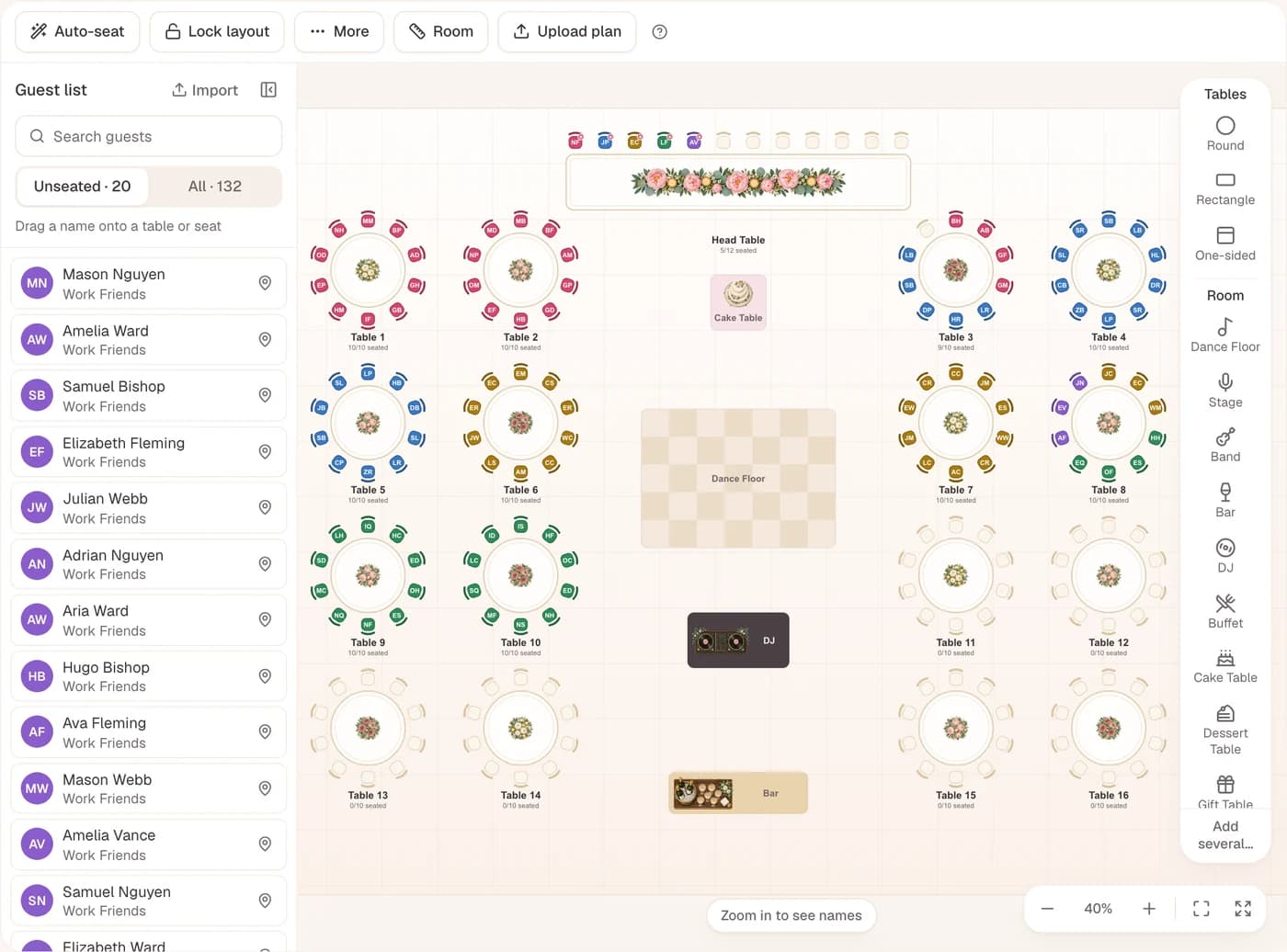
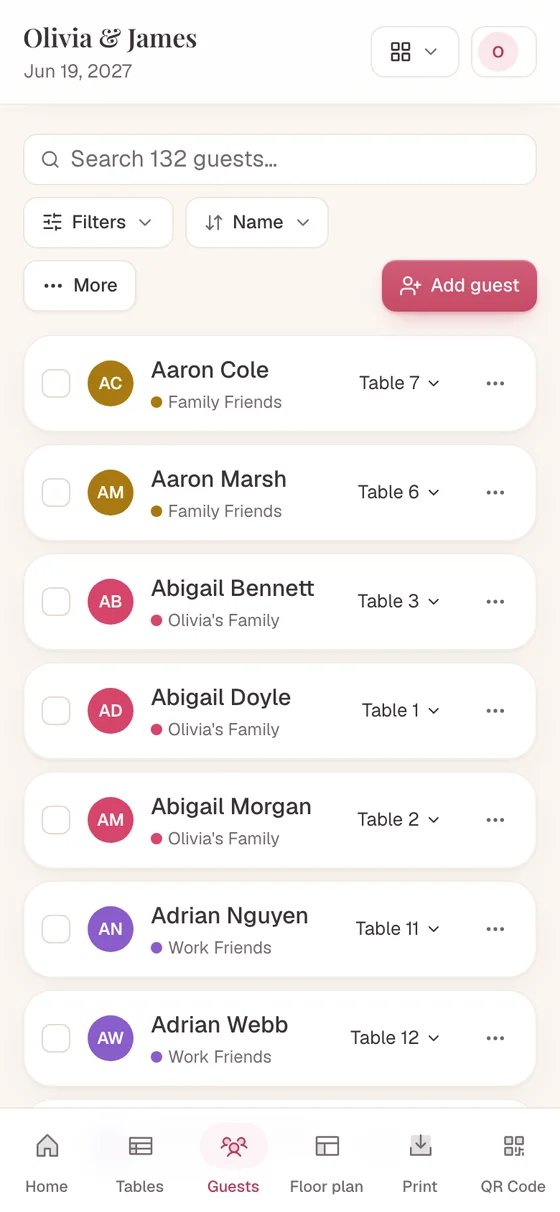
Lovely Seating is a free online wedding seating chart maker. Import your list and AI sorts out households, groups and plus-ones for wedding guest list management, then arrange tables on a drag-and-drop floor plan at your venue’s real size.
Assign every guest to a table or an exact seat, or let Auto-Seat place everyone still waiting. Pro is a one-time $39 per wedding for print-ready exports, collaboration and the Find Your Seat QR page.
- Unlimited guest list
- AI guest import
- Relationship-aware Auto-Seat
- 12 painted themes
- Find Your Seat QR page
- No app to install
How Do I Make a Wedding Seating Chart Online?
Four steps, from the list you already have to a chart on the easel.
Wedding guest list import:Bring the List You Already Have
Paste it, upload a CSV from The Knot, Zola or Joy, or hand over a messy spreadsheet. AI import works out the households, groups and plus-ones, asks three to five quick questions, and every guest lands in one tidy list.
- RSVPs, meals, dietary and accessibility needs per guest
- Emails and phone numbers stay on your device
- Unlimited guest list, even on Free
Starting from scratch? Read how to make a wedding guest list.
Guest list importWedding floor plan maker:Lay Out Your Real Room
Drag round, banquet, sweetheart and head tables onto the floor, then add the dance floor, bar, DJ, cake and gift tables. Got a plan from your venue? Upload the PDF or a photo, confirm one wall’s length, and the floor becomes your room, to scale. It’s a free wedding table planner too: every table, seat and venue element is on the Free plan.
- Ready table layouts that fit your guest count
- Tables past a wall are outlined in red
- A warning when a walkway gets tight
Wedding seating plan generator:Seat Everyone in a Click
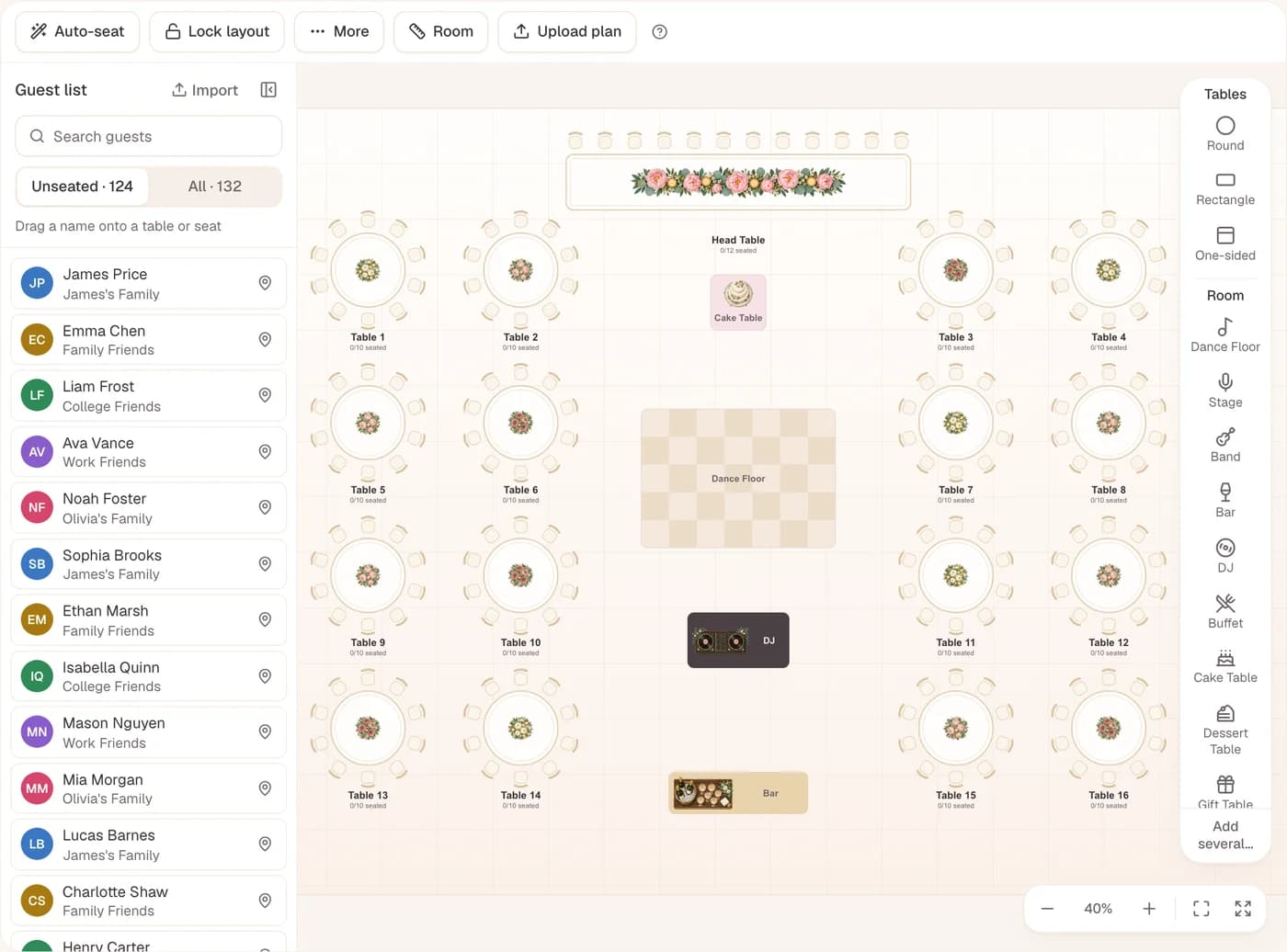
Auto-Seat is relationship-aware: it keeps households together, keeps feuding guests apart and matches wheelchair, near-exit or quiet-area needs to the right tables, then explains every choice, table by table.
- Never moves anyone you seated or locked
- Fine-tune by dragging guests between seats
- Drop a guest on a taken chair to swap
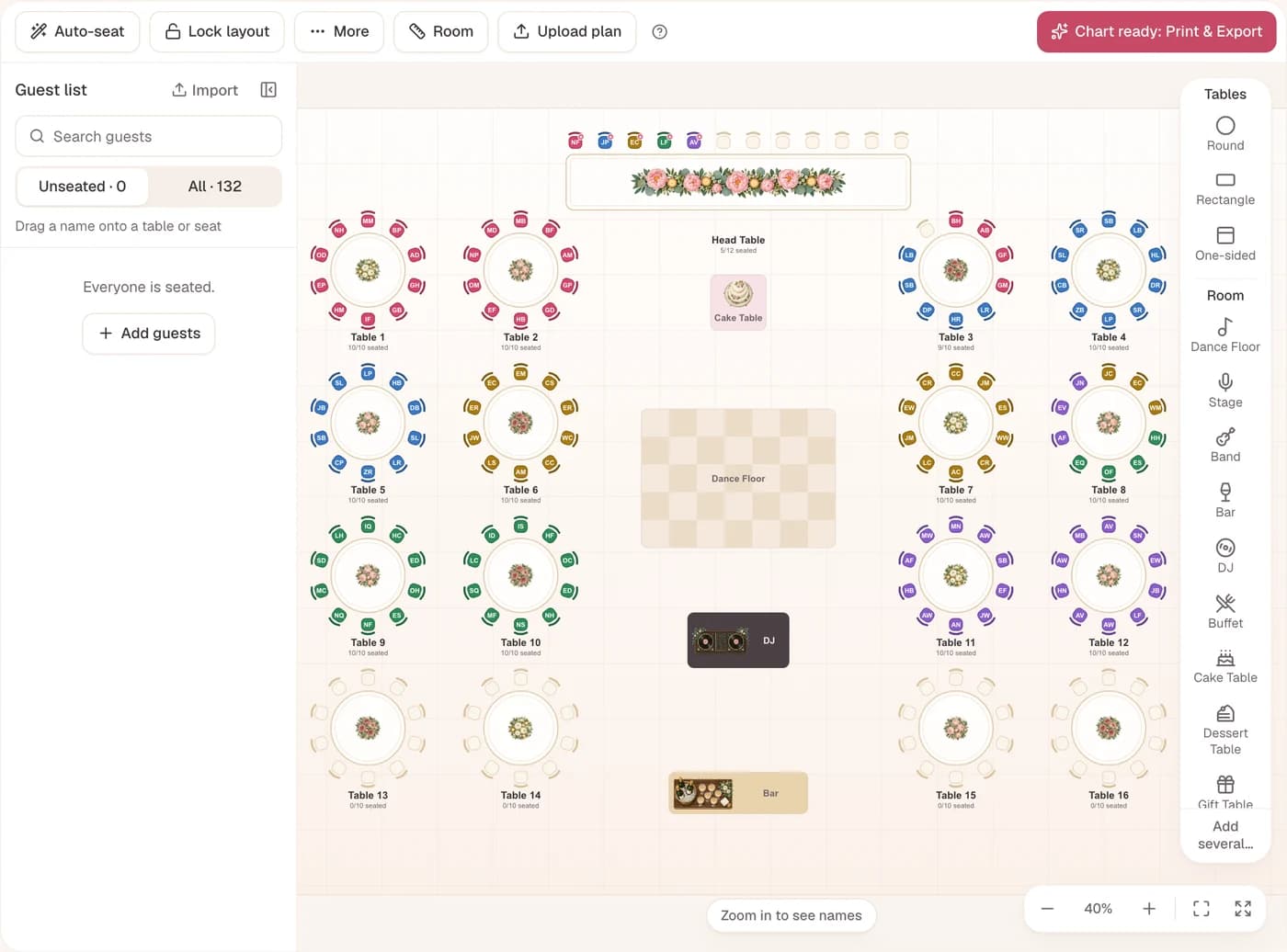
Done. Everyone has a seat.
124 guests across 13 tables, in under a second
- Kept 5 households together
- Seated the Carters with the Bennetts
- Grandma Rose near the exit, as asked
Printable wedding seating charts:Print a Chart That Looks Like Your Wedding
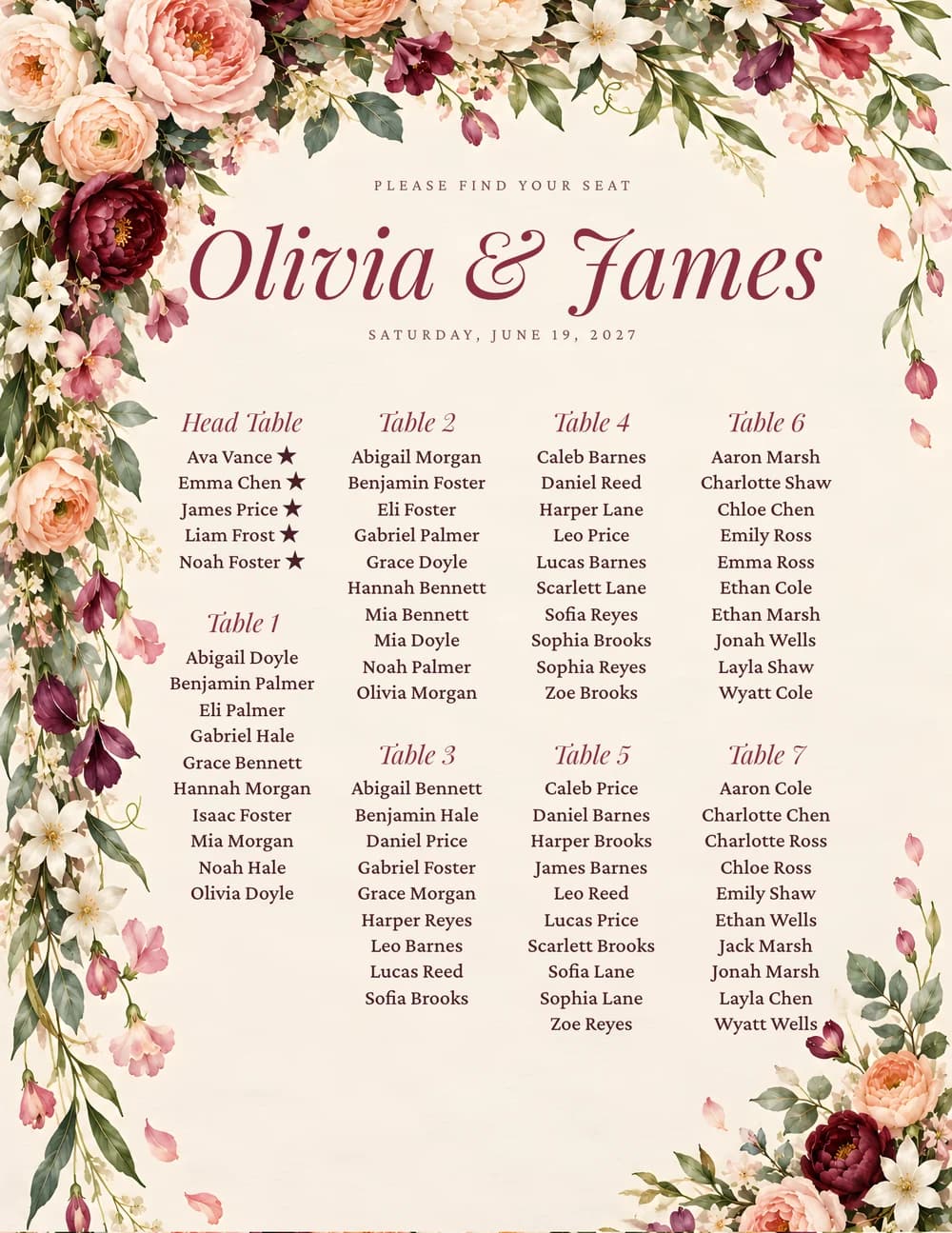
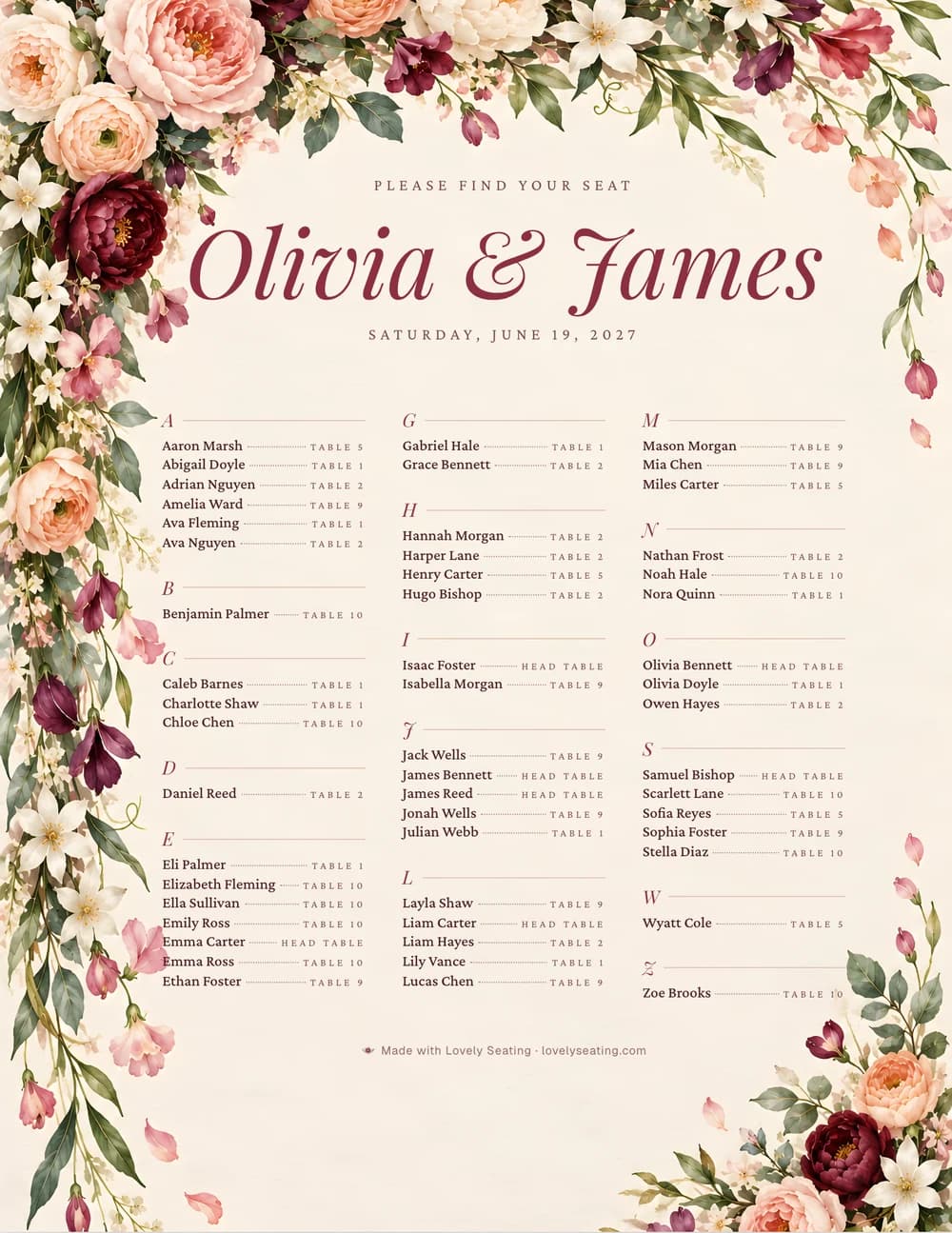
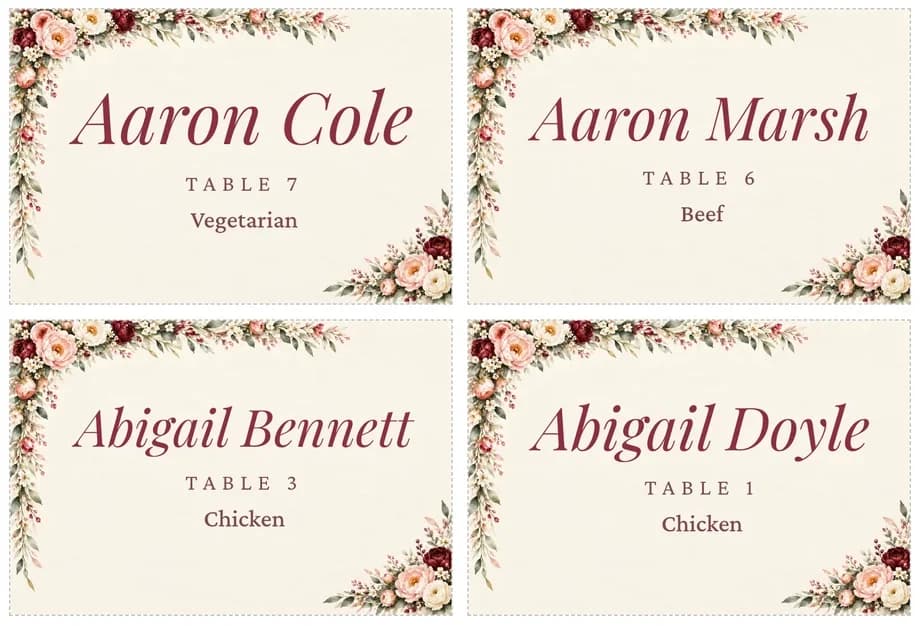
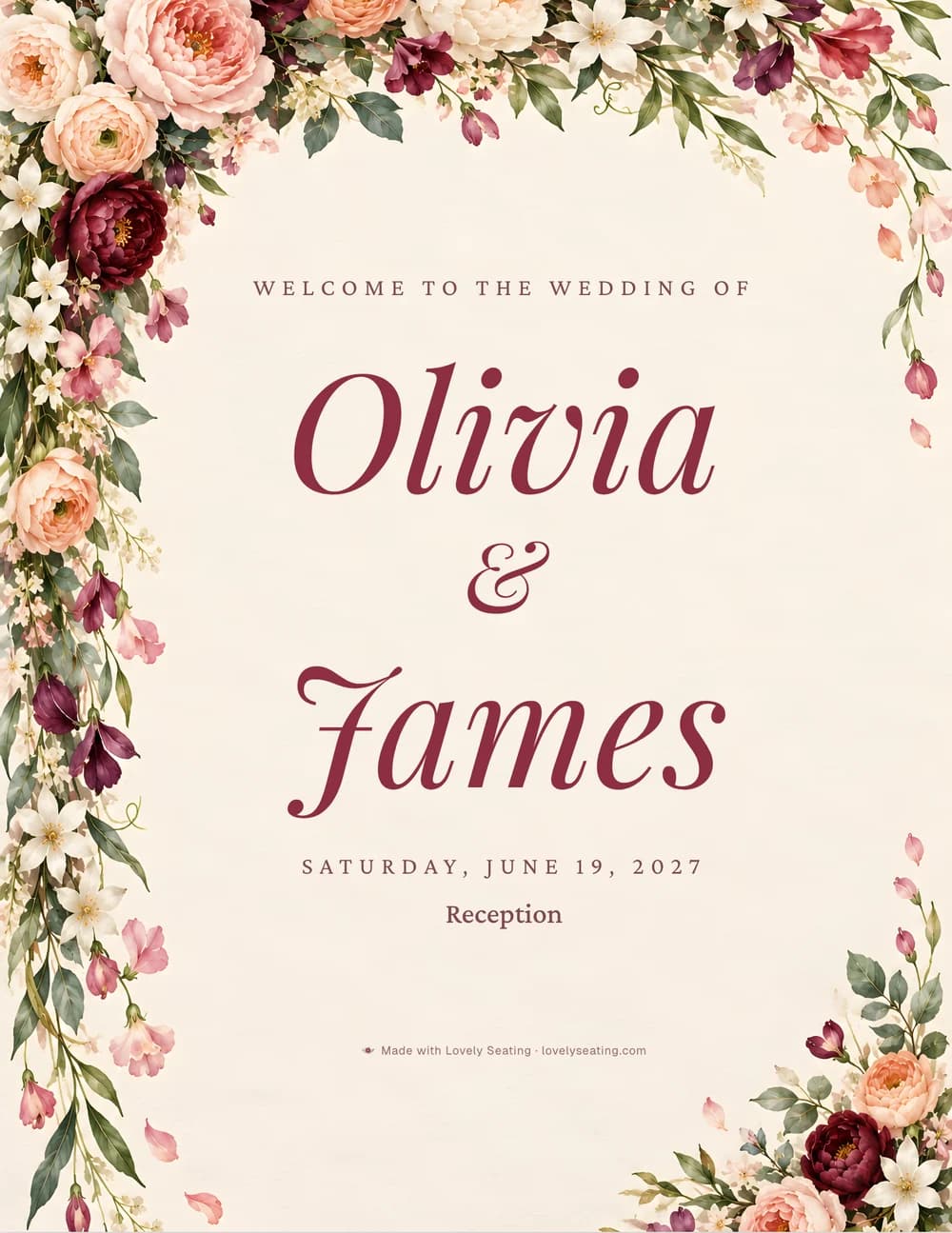
Export an A–Z guest finder, a floor-plan chart framed in painted art, a table-by-table list, table cards, place cards, a welcome sign and a meal list for your caterer, from A4 to a 30 × 40 in poster, as a PDF or image.
- Three chart styles and twelve painted themes
- Your fonts, wording and sizes
- Free to print for your first 60 guests

Choose a Seating Chart Style You Love
Your chart should feel like part of the celebration, not an administrative document. Twelve painted themes dress your chart, guest lists and place cards alike.
Pick your fonts, change the wording and set the sizes, then preview and export when everything looks right.
Let Guests Find Their Seat by Scanning a QR
Turn your finished plan into a guest page. Everyone scans one QR code and types their name, then sees their table, their seat, their meal, who they’re sitting with, and a map from the entrance to their chair.
- One QR for a welcome sign, invites or your wedding website
- 24 themes, updates live, no app to install
- Private: guests search their own name, nobody can browse the list
- Comes down on its own after the wedding
Build and publish it free for your first 60 seated guests. New to the idea? Read our guide to the QR code wedding seating chart.

Olivia & James · 19 June 2027
Welcome,
Benjamin Price
Table 8, seat 7
Sea bass
From the entrance, ahead on your right
See How It Works in Under a Minute
Watch a guest list turn into a finished reception seating chart, with Auto-Seat doing the reshuffling.
Everything Else Your Seating Plan Needs
Works on any device
Share Olivia & James
- OJOliviaOwner · editing now
- JPJamesPartner
- MRMia RossiPlanner · viewing
Plan together
Same 132 guests in every plan
Several plans, one guest list
Just what your vendors need
Free planning tools
Start from a template
A Seating Chart Tool, Not a Spreadsheet or a Design Program
| Capability | Spreadsheets | Design tools | Lovely Seating |
|---|---|---|---|
| Visual reception floor plan | |||
| Drag-and-drop guest seating | |||
| Guest list, RSVPs & meals | |||
| Reads a messy guest list into households, groups & +1s (AI import) | |||
| Relationship-aware auto-seating (must-sit, keep-apart, access needs) | |||
| Update once, everything syncs | |||
| Multiple seating plans, one guest list | |||
| Print-ready charts & place cards | |||
| No manual redrawing |
Scroll sideways for every column
Switching from The Knot, Zola or AllSeated?
Wedding websites like The Knot and Zola include a basic seating tool; Lovely Seating focuses only on seating: a floor plan, relationship-aware Auto-Seat and printable charts.
There is no live sync, so move your list once it’s settled. Comparing Zola, AllSeated and the rest? Put every wedding seating tool side by side.
AllSeated (Prismm) closes in June 2027: Cvent is retiring it
- 1Export a CSVfrom The Knot, Zola, Joy or AllSeated
- 2Import it herecolumns are matched for you
- 3Seat and printyour tables, your theme
A Wedding Seating Planner for Every Kind of Celebration

Engaged couples
Build your first seating plan without design or event-planning experience.
Wedding planners
Every client's seating in one workspace, white-label exports, and seating you can bill for.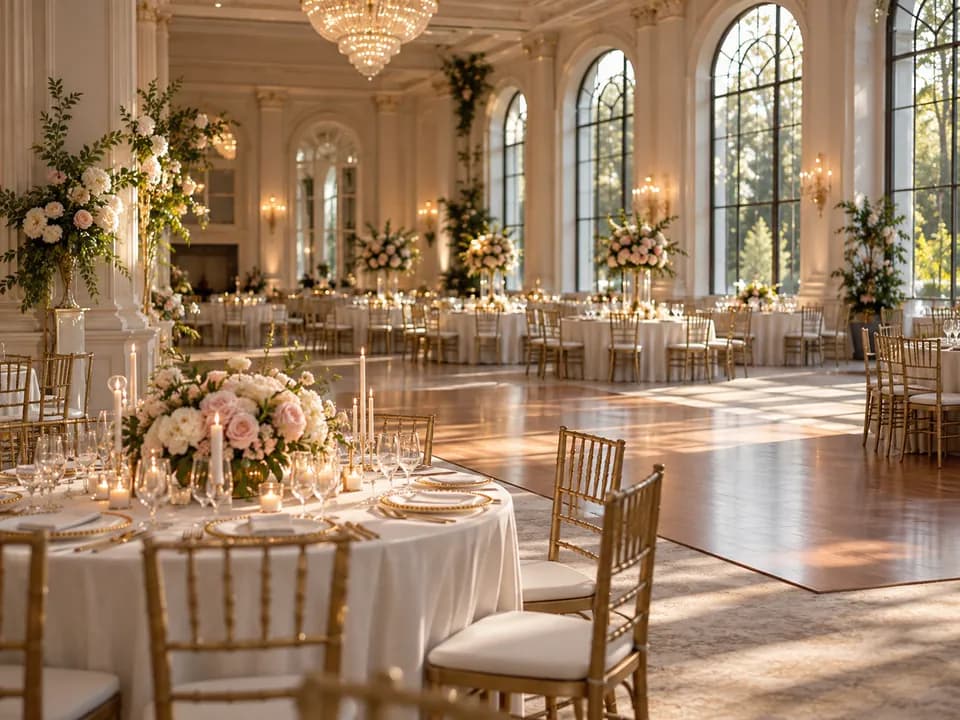
Venues
A clear overview of tables, capacities, room features and guest arrangements.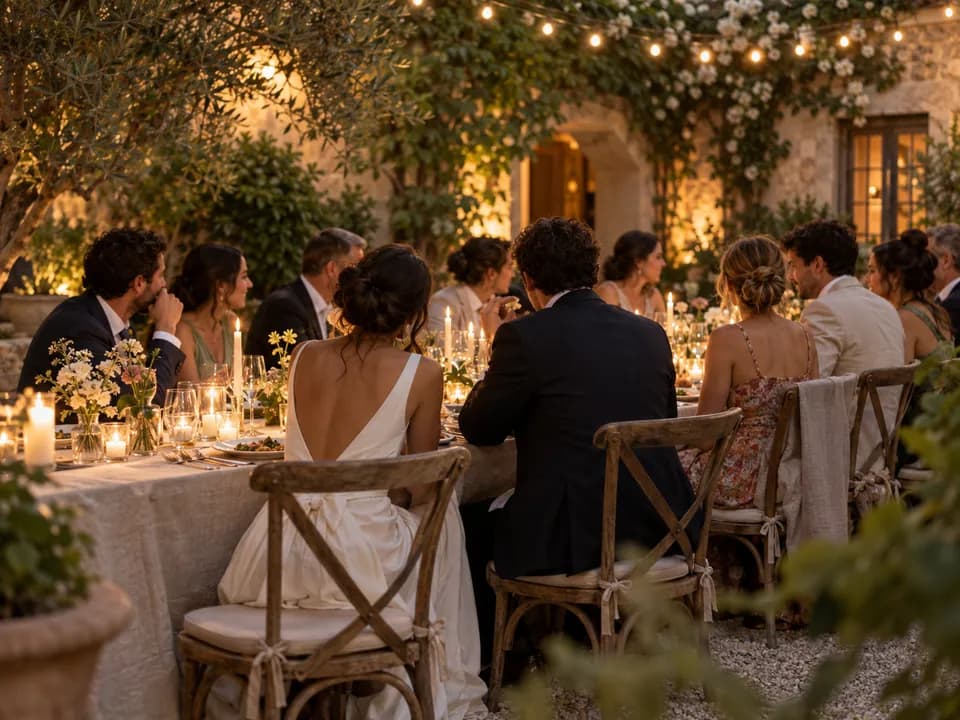
Intimate weddings
A smaller dinner with exact seat assignments and a simple, elegant chart.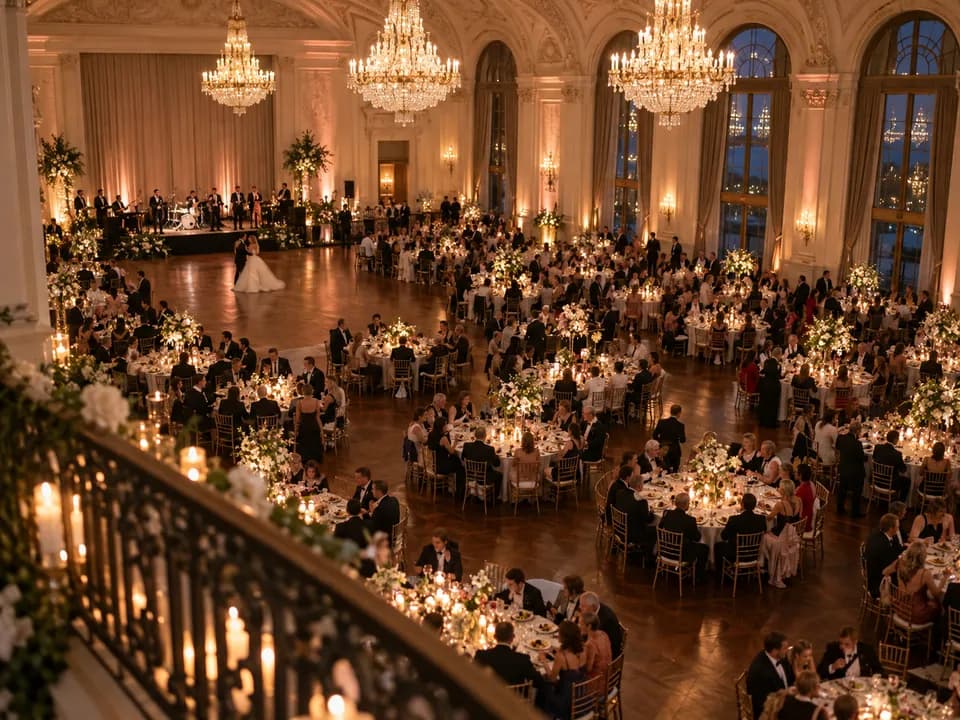
Large weddings
Hundreds of guests across families, friend groups, meal choices and room areas.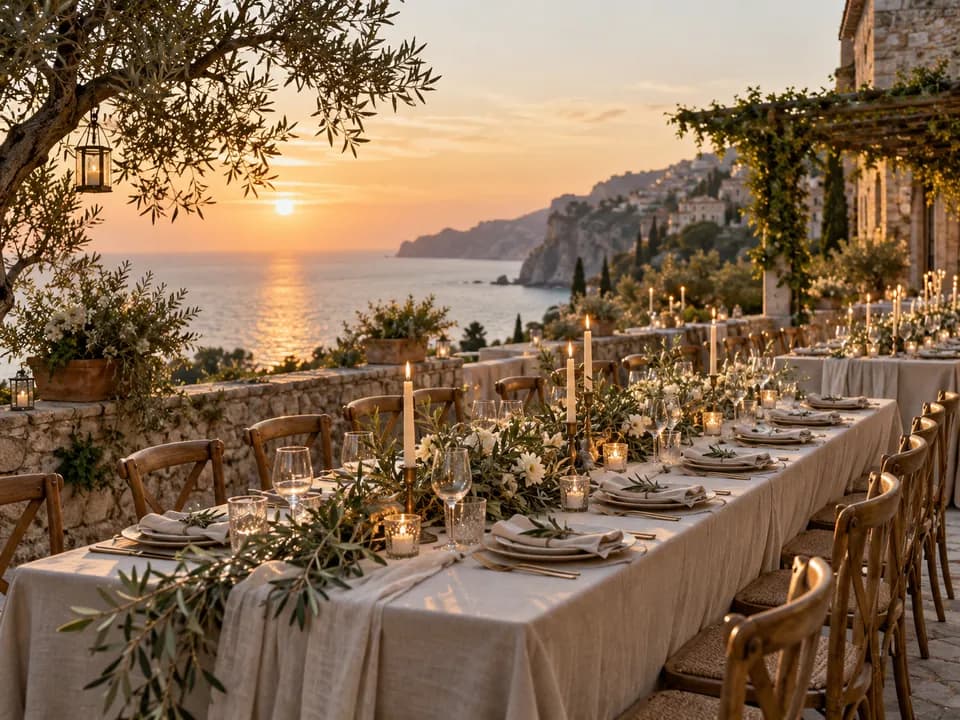
Destination weddings
The plan stays online, so updates never mean carrying paper between suppliers.Simple, Honest Pricing
Every feature is free for your first 60 seated guests, with no payment details. Upgrade once when you need every guest on it or more seating plans, or choose Agency if you plan weddings for clients.
Free
Every feature for your first 60 guests.
- 1 wedding with 1 seating plan
- Unlimited guests in your list
- Your first 60 guests seated and shown
- Drag-and-drop floor plan and Auto-Seat
- Print-ready charts, place and escort cards
- Find Your Seat QR guest page
- Invite your partner or planner
- Version history and restore
Pro
Every seat, on everything you print.
- Everything included in Free
- Every guest seated, no 60-guest limit
- Everyone on your charts, cards and QR page
- 1 wedding, up to 5 seating plans
- Guest CSV with tables and seats
- Remove Lovely Seating branding
- Pay once and keep access
Agency
For planners managing multiple weddings.
- Everything included in Pro
- Unlimited weddings & seating plans
- White-label exports
- Multiple client weddings
- Version history across all plans
- Priority support
Planning weddings professionally? See Lovely Seating for planners.
Free vs Pro vs Agency at a glance
| Free | Pro | Agency | |
|---|---|---|---|
| Price | $0, forever | $39 one-time | $79 per month |
| Weddings and seating plans | 1 wedding, 1 plan | 1 wedding, up to 5 plans | Unlimited |
| Guests and tables | Unlimited list, first 60 seated shown | Unlimited | Unlimited |
| Floor plan, guest list, RSVPs, meals, CSV import | Included | Included | Included |
| AI guest list import | 3 per wedding | 10 per wedding | 10 per wedding |
| Auto-Seat (relationship-aware) | Included | Included | Included |
| Read-only links for your venue, caterer, DJ and stationer | Included | Included | Included |
| Print-ready PDF, image, place card and escort card exports | First 60 guests | Included | Included, white-label |
| Find Your Seat QR guest page | First 60 guests | Included | Included |
| Partner and planner collaboration | Included | Included | Included |
| Version history and restore | Included | Included | Included |
| Guest CSV with tables and seats | — | Included | Included |
Scroll sideways for every column
Many seating apps charge a similar one-off price, but several of those passes stop working after 90 days to 6 months, while Pro never expires. See the fine print in our seating chart app pricing comparison.
How Should You Plan a Wedding Seating Arrangement?
A good seating plan helps guests feel comfortable and keeps the reception running smoothly. Start here:
- Step 1
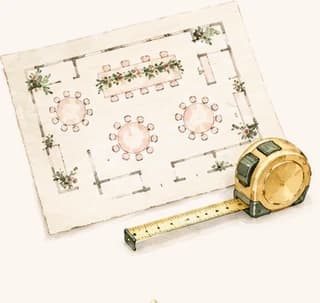
Confirm Your Room Layout
Ask your venue for the available floor plan, table shapes, table capacities, entrances, exits, and fixed room features.
- Step 2
Organize Guests Into Groups
Group guests by how they know you, such as immediate family, extended family, school friends, work friends, or members of the wedding party.
- Step 3
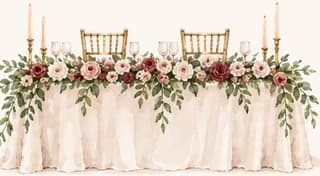
Place Important Tables First
Decide whether you will have a sweetheart table, traditional head table, family table, or another arrangement for the couple and wedding party.
- Step 4
Consider Guest Comfort
Think about accessibility, age, young children, hearing needs, mobility requirements, and proximity to speakers or the dance floor.
- Step 5
Keep Familiar Faces Together
Guests usually feel most comfortable when seated with at least one or two people they already know.
- Step 6
Introduce Compatible Groups
When combining groups, look for shared interests, similar ages, or connections that can make conversation easier.
- Step 7
Leave Some Flexibility
Late RSVPs and cancellations happen. Avoid locking every decision too early, and keep a few flexible options available.
- Step 8
Review the Final Plan
Check for duplicate names, missing guests, overfilled tables, dietary notes, accessibility needs, and unassigned seats before exporting.




Want to go deeper? Read how to make a wedding seating chart step by step.
Questions, Answered
Is Lovely Seating a free wedding seating chart maker?+
Yes. Every feature is free for your first 60 seated guests: an unlimited guest list and tables, the floor plan, Auto-Seat, print-ready charts, place cards, a Find Your Seat QR page and collaboration. A one-time upgrade shows every guest, adds more plans and removes the Lovely Seating credit.
What is a wedding seating chart?+
A wedding seating chart shows which table, and sometimes which exact seat, each guest has at the reception. Couples usually display a guest-facing version at the entrance (a sign, an A–Z list or a QR code), while the venue and caterer work from a floor-plan version. In Lovely Seating you make both from one guest list, free for your first 60 seated guests.
How do I create a wedding seating chart?+
Start by adding tables to your floor plan and choosing their shapes and capacities. Import or add your guests, organize them into groups, and assign them to tables or individual seats. When the arrangement is complete, choose a style and export the final chart.
Can I import my wedding guest list?+
Yes. Upload a CSV, paste a list or add guests by hand, with groups, RSVPs, meals and dietary needs. For a messy list, AI import works out households, groups and plus-ones, asks a few questions, then Auto-Seat seats everyone once you confirm. Emails and phone numbers never go to the AI.
Can I assign guests to tables without choosing exact seats?+
Yes. You can assign guests only to a table or place each person in a specific seat. Table-only assignments are suitable for more relaxed receptions, while exact seat assignments can help with formal meals and individual meal service.
When should I make my wedding seating chart?+
In 409 weddings planned on Lovely Seating (Jul–Oct 2026), couples started their seating chart a median of 51 days before the wedding, and 31% started less than a month out. You can start building your reception floor plan as soon as you know your venue layout and approximate guest count. The first version doesn’t need exact seats: add tables and group your guests, then finish the arrangement after your RSVP deadline, when you know who’s coming. Your plan saves online, so you can start early and refine it as you go.
What table shapes can I use?+
Round, rectangular, square, oval and banquet tables, plus sweetheart and head tables, ceremony rows and custom tables. You can also place venue elements such as the dance floor, stage, bar, buffet, cake table and entrances.
Can Lovely Seating arrange my guests automatically?+
Yes. Auto-Seat creates a suggested arrangement that keeps households and must-sit guests together, never seats keep-apart guests (like divorced parents or exes) at the same table, and matches access needs such as wheelchair space to the right tables. It explains every choice, and you can move anyone afterward.
Can I track meal choices and dietary requirements?+
Yes. Store meal selections, allergies, dietary requirements, and other notes with each guest. This makes it easier to prepare accurate information for your caterer and wedding planner.
Can I add a dance floor, bar, or DJ booth?+
Yes. Add venue elements such as a dance floor, DJ booth, stage, bar, cake table, gift table, or photo booth to create a more accurate reception floor plan.
Can I collaborate with my partner or wedding planner?+
Yes, on every plan. Invite your partner or planner so you can review and update the same seating plan. On Free they see your first 60 seated guests, like you.
Can I use Lovely Seating on my phone?+
Yes. Lovely Seating runs in your browser and works on phones, tablets, and laptops. There is no software to install. For arranging a large floor plan, a tablet or laptop gives you more working space: 77% of seating-chart work on Lovely Seating happens on a laptop or desktop.
What can I export?+
A floor-plan chart, A–Z guest finder, table-by-table list, table cards and numbers, a meal list, place cards, a welcome sign and a guest CSV. Twelve painted themes, as print-ready PDFs or images, from A4 or US Letter to 30 × 40 in. Free covers your first 60 seated guests; Pro adds everyone.
How do I display my seating chart at the reception?+
Most couples use one or more of four: a floor-plan chart or welcome sign at the entrance, an A–Z guest finder, escort or place cards, and a Find Your Seat QR code guests scan to see their table on their phone. All four come from the same plan, free for your first 60 seated guests.
What are escort cards?+
Escort cards wait on a table at the reception entrance and tell each guest which table they are sitting at; place cards sit at the table and mark the exact seat. Lovely Seating cards show each guest's name and table, so the same set works as escort cards or place cards. Cards are free for your first 60 seated guests.
Do I need an account to use Lovely Seating?+
Yes, you need a free account — it takes a minute and no credit card is needed. Your seating plan is saved to your account, so you can pick it up again on your phone, tablet or laptop and share it with your partner.
Can I print my wedding seating chart?+
Yes. Every plan includes print-ready exports for professional or home printing; Free shows your first 60 seated guests. Always confirm the required dimensions and file format with your printer before ordering a large-format chart.
What is the difference between a seating chart and place cards?+
A seating chart usually tells guests which table they have been assigned to. Place cards sit at individual place settings and tell each guest exactly where to sit. You can use a seating chart by itself for table assignments or combine it with place cards for assigned seats.
How many people should sit at a wedding table?+
Couples on Lovely Seating seat a median of 8 guests per table. As a rule of thumb: a 60-inch round seats 8–10, a 72-inch round 10–12, a 6-foot rectangular table 6–8 and an 8-foot rectangular table 8–10. Chairs, place settings and centerpieces change what's comfortable, so confirm capacities with your venue.
Is my wedding guest data secure?+
Your seating plan and guest information are stored so that you can return to your work. Lovely Seating does not sell your guest information. See the Privacy Policy for complete information about how your data is stored and protected.
Still weighing your options? Compare wedding seating chart tools side by side.
Plan every guest, beautifully.
Start your wedding seating chart today. It’s free to begin.
Free to start · No credit card required